Best AI Voice Generators in 2026: 10 Tools Compared for Real Voiceover Work
Best AI Voice Generators in 2026: 10 Tools Compared for Real Voiceover Work
AI voice generators are not interchangeable. Some are built for the most realistic short voice samples. Some are better for long scripts and audiobooks. Some only make sense if you are editing video, producing corporate training, or building a real-time voice app.
This guide compares the best AI voice generators by the job they are actually good at: YouTube narration, audiobooks, e-learning, product demos, podcasts, video editing, voice cloning, simple text-to-speech, and API speech.
Quick comparison
This table is the fast version. The detailed sections below explain pricing, use cases, and tradeoffs for each tool.
| Tool | Best for | Price/value snapshot |
|---|---|---|
| ElevenLabs | Realistic voices, cloning, character narration, and API speech | Best voice realism; Creator is enough for tests and short videos, not large narration libraries. |
| Lazybird | Short voiceovers, long scripts, audiobooks, courses, and recurring narration | High-quality voices at a much lower cost than ElevenLabs for regular narration. |
| Murf | Business narration, training, and product education | Good business workflow; check whether the included hours match your production volume. |
| Descript | Podcast and video editing with AI voice repair | Worth it when you need the editor, not just generated speech. |
| VEED.IO | Short videos, captions, and browser editing | Useful when voiceover is part of a video workflow. |
| WellSaid | Corporate narration and brand-safe business voice | Polished, business-oriented, and priced like a team product. |
| Cartesia | Real-time voice agents and developer APIs | Best evaluated by API volume, latency, and production limits. |
| LOVO | Creator voices, marketing clips, and character tests | Good for auditioning styles; check included generation hours. |
| Narakeet | Occasional narrated slides and simple videos | Pay-as-you-go is convenient for occasional projects. |
| NaturalReader | Reading documents and basic text-to-speech | Simple reader-style TTS; check commercial usage before publishing. |
1. ElevenLabs
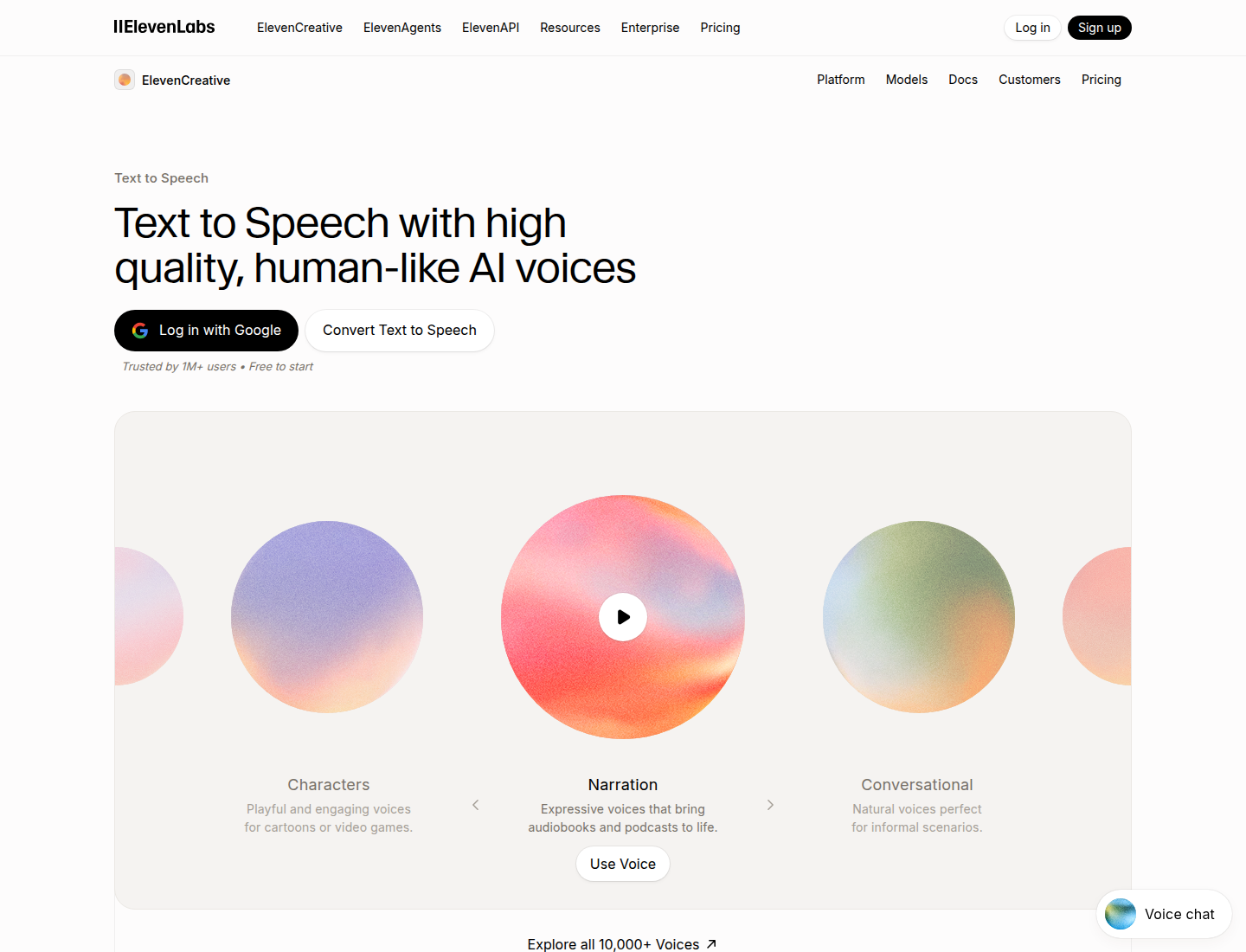
ElevenLabs is the strongest default pick when voice quality matters more than anything else. Its voices are expressive, natural, and flexible enough for character narration, creator videos, story samples, voice cloning, dubbing tests, and API speech.
It is also one of the easiest tools to recommend as a benchmark. If another AI voice generator cannot beat ElevenLabs on workflow, price, or a specific use case, it has to compete with ElevenLabs on voice quality.
Key features
- Realistic text-to-speech with expressive delivery.
- Voice cloning for personal or branded voices.
- Voice library for characters, narration, and multilingual content.
- API access for developers.
- Useful public demos for quickly judging voice quality.
Best use cases
- Audiobook and story narration samples.
- Character voices and expressive creator content.
- YouTube narration where voice realism is the priority.
- Voice cloning experiments.
- Apps that need high-quality generated speech.
Pricing and value
ElevenLabs is one of the best-sounding tools here, but it is not cheap once you generate regularly. The $22/month Creator plan is the more realistic starting point for creators; long courses, audiobook chapters, and repeated client work can push usage up quickly.
ElevenLabs is worth paying for when the voice quality is the deciding factor. If the project is mostly hours of straightforward narration, compare the monthly character allowance before building the workflow around it.
Sample: narrative voice
Pros and cons
| Strengths | Weaknesses |
|---|---|
| Excellent voice realism and expressive delivery. | Expensive if you generate a lot of voiceover. |
| Strong voice cloning and API support. | Project workflow can still feel secondary compared with the core voice model. |
| Easy to audition polished voice samples. | Licensing and credit rules need checking before publishing at scale. |
| Good fit for creators and developers. | Audiobooks and courses can burn through character credits quickly. |
Link: ElevenLabs
2. Lazybird
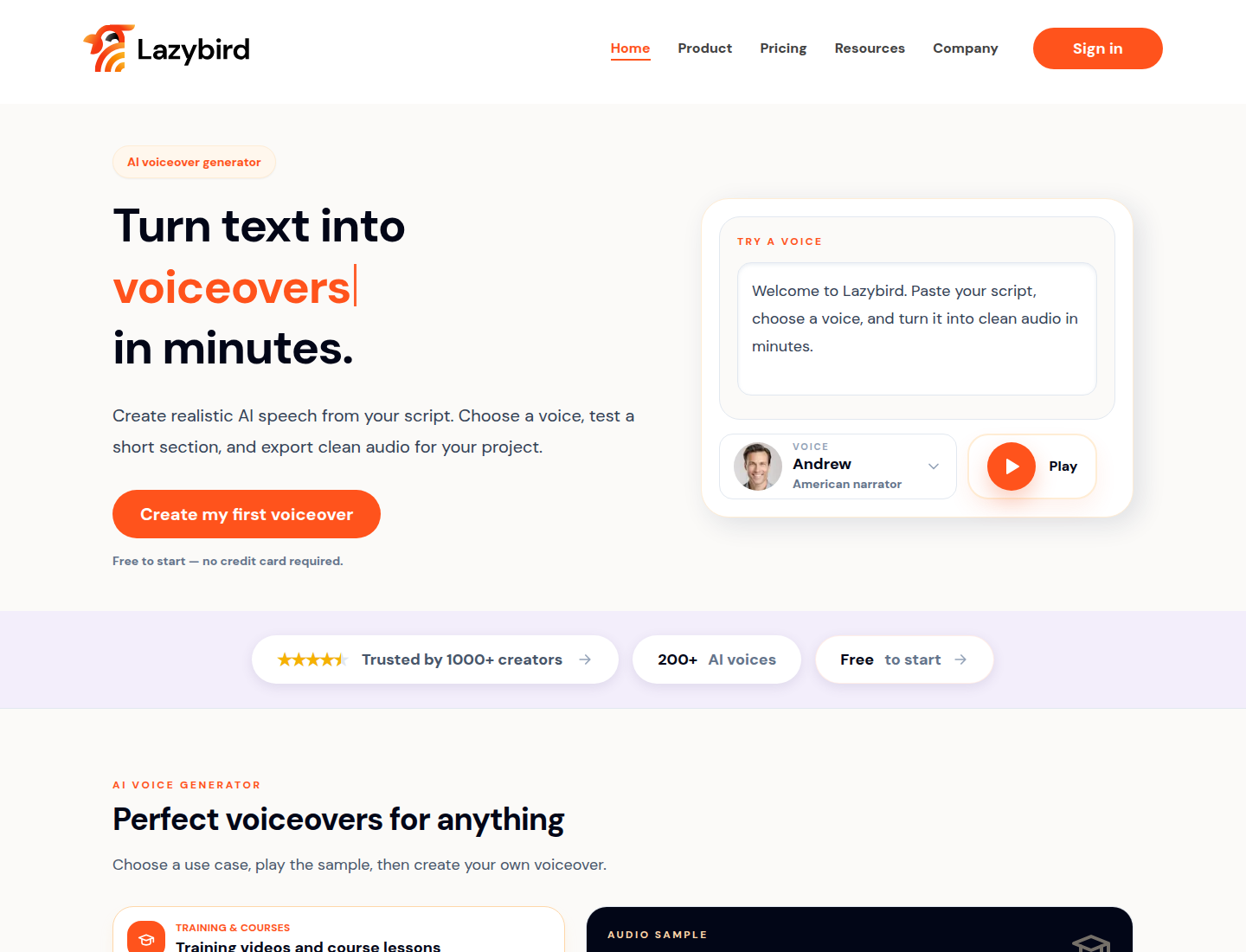
Lazybird is best for people who need to produce voiceovers, not just generate a single sample. The difference is workflow. Long scripts, audiobook chapters, course lessons, product walkthroughs, repeated revisions, voice cloning, and exports need more structure than a basic text box.
That makes Lazybird a strong fit for creators, educators, small teams, audiobook producers, product marketers, and agencies that generate narration regularly.
Key features
- Voiceover workflow for longer scripts and section-based projects.
- 200+ voices and broad language support.
- Voice cloning for recurring narration and branded voices.
- Downloadable exports for finished audio.
- Pricing that is unusually strong for high-volume narration.
Best use cases
- Audiobooks, stories, and chapter-based narration.
- Training videos and e-learning lessons.
- Product walkthroughs and explainer videos.
- YouTube narration and recurring creator content.
- Client drafts and production voiceover work.
Pricing and value
Lazybird is strong on bulk value. Pro is $9/month billed yearly for 1M credits, listed as about 16 hours of generated speech. Max is $17/month billed yearly for 5M credits, listed as about 80 hours. That is about $9 per 1M credits on Pro and about $3.40 per 1M credits on Max.
That makes Lazybird high quality and affordable, especially if you make a lot of content. It is less relevant if you only need one quick sentence or a real-time API.
Lazybird samples:
Product walkthrough:
Course narration:
Audiobook-style story:
Pros and cons
| Strengths | Weaknesses |
|---|---|
| Strong value for both short voiceovers and high-volume narration. | Lower brand visibility than ElevenLabs, Murf, or other older voice brands. |
| Handles longer audiobook, course, and recurring voiceover workflows well. | Fewer third-party tutorials, reviews, and public comparisons than the biggest competitors. |
| Voice cloning and exports are useful for repeat production. | Fewer public benchmark reviews than the most established AI voice tools. |
| Good for creators and teams that produce narration regularly. | Less established as an enterprise procurement/vendor-standard choice. |
Link: Lazybird
3. Murf
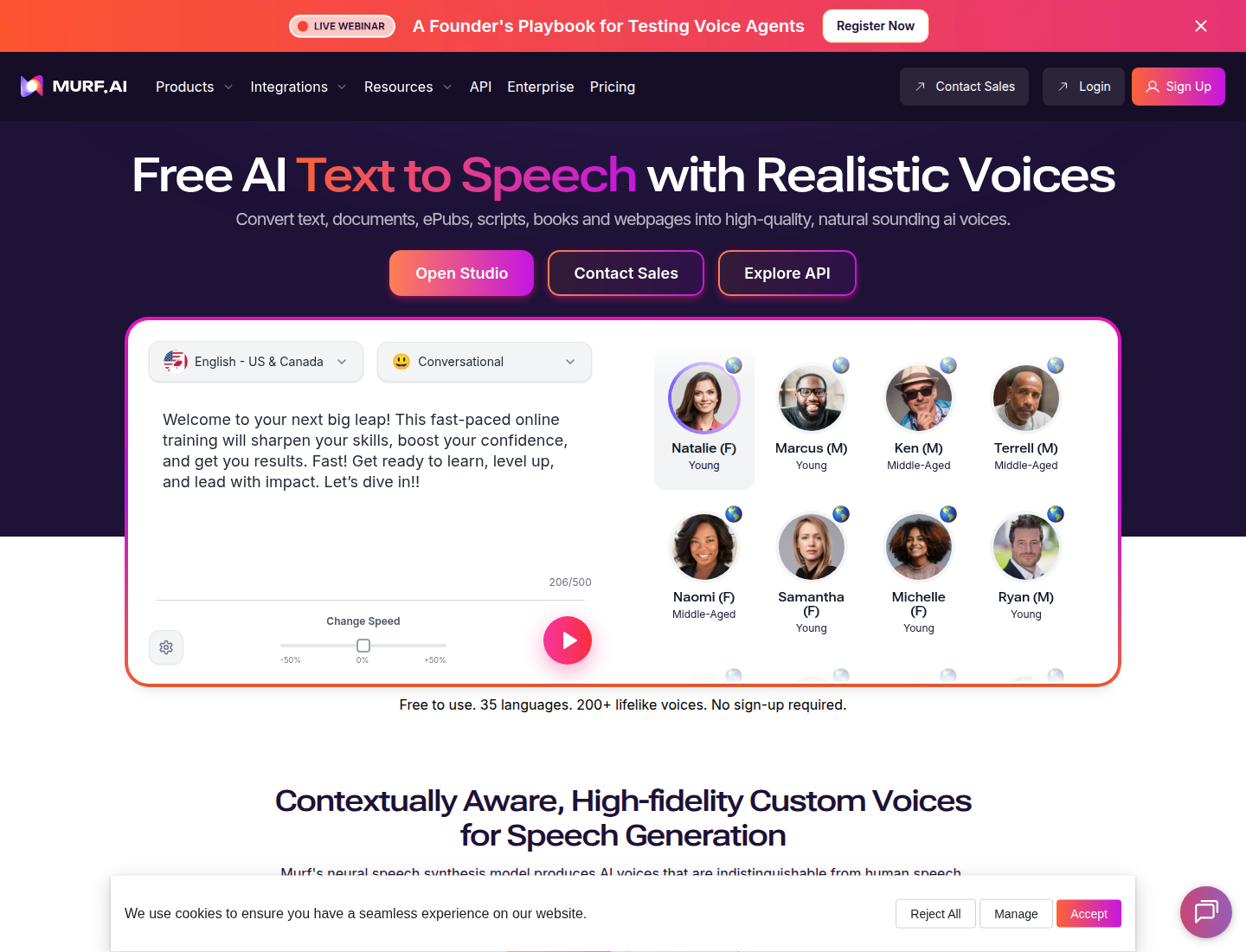
Murf is a business-friendly voice studio. It is strongest for training videos, product education, internal content, corporate explainers, presentations, and e-learning teams that need a guided commercial workflow.
The main reason to choose Murf is not raw voice realism alone. It is the structured production environment: voices, project organization, pronunciation controls, team workflows, and business-friendly output.
Key features
- Voice studio aimed at business and educational content.
- Voice controls for pitch, speed, emphasis, and pronunciation.
- Project workflow for teams and repeated content.
- Commercial usage on paid plans.
- Useful for pairing narration with presentations and training material.
Best use cases
- Training and e-learning narration.
- Product education videos.
- Corporate explainers.
- Internal enablement content.
- Business teams that need a guided voiceover workflow.
Pricing and value
Murf's free plan is mostly for testing. Creator-style plans are useful when you produce a few polished business videos per month. For a large course library or many hours of narration, compare the included hours before choosing it.
Sample:
Pros and cons
| Strengths | Weaknesses |
|---|---|
| Strong fit for business narration and training content. | Hour-based limits can be awkward if production volume changes month to month. |
| More structured than simple TTS tools. | Free plan is mainly a trial and does not prove download/export workflow. |
| Useful voice controls for corporate scripts. | Workflow can feel heavier than necessary for quick creator clips. |
| Good for teams creating polished learning material. | Some advanced team needs push users into higher tiers quickly. |
Link: Murf
4. Descript
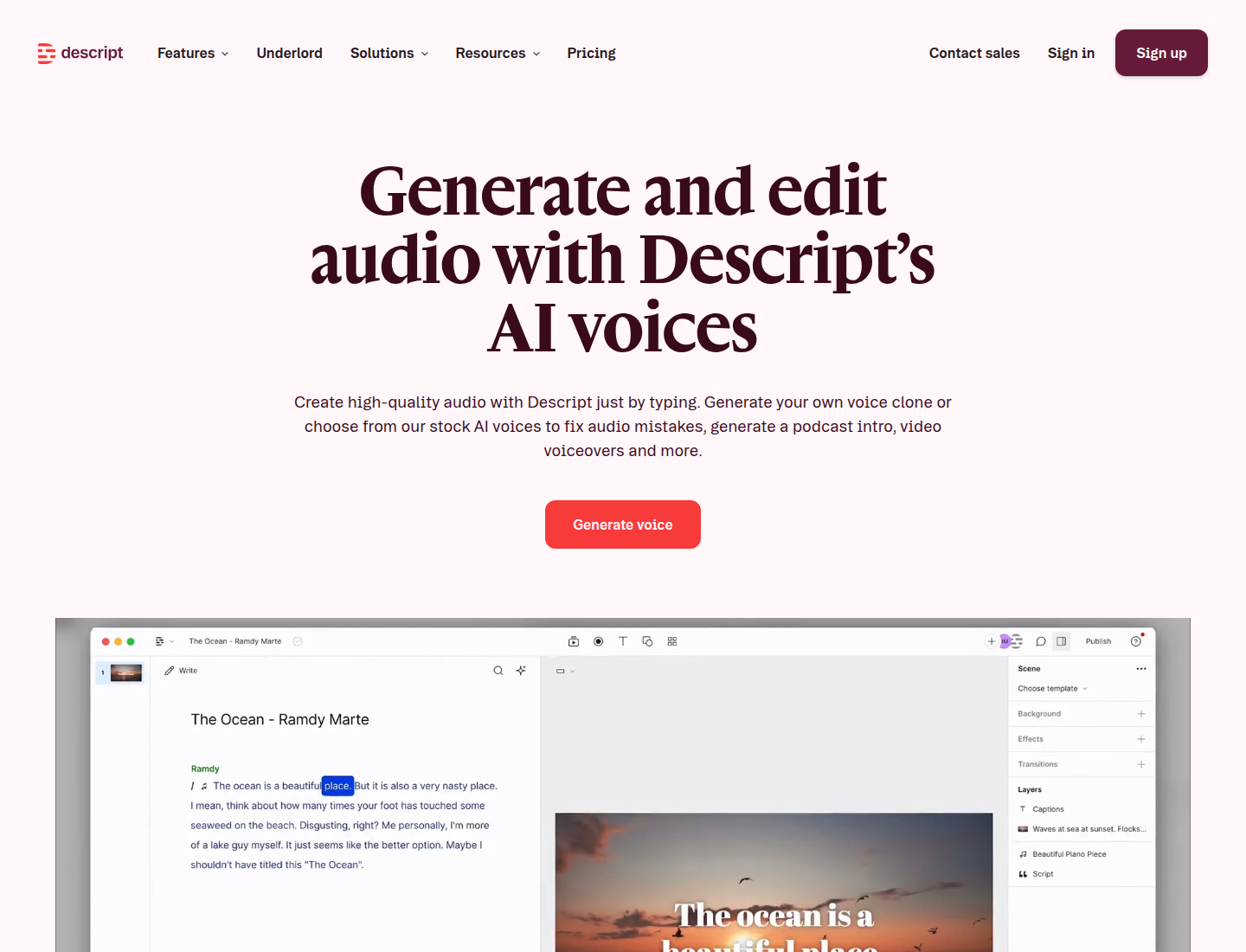
Descript is the best pick here when the real job is editing audio or video. Its AI voice features matter because they live inside a transcript-based editor, not because Descript is the strongest standalone text-to-speech generator.
If you make podcasts, talking-head videos, interviews, screen recordings, or narrated clips, Descript can save time by letting you edit media like text and repair small sections with AI voice.
Key features
- Transcript-based audio and video editing.
- AI voice tools for repair and overdub-style workflows.
- Screen recording and video editing features.
- Useful for creators who revise recordings often.
- Better for fixing existing media than generating long narration from scratch.
Best use cases
- Podcast correction and cleanup.
- Video narration edits.
- Repairing a sentence in an existing recording.
- Editing screen recordings or interviews.
- Teams already using transcript-based editing.
Pricing and value
Descript is priced like an editing suite. It makes sense when transcription, editing, cleanup, and AI voice repair happen in the same project. If the only task is turning text into MP3, a dedicated voice generator is usually a better fit.
Pros and cons
| Strengths | Weaknesses |
|---|---|
| Excellent when AI voice is part of audio/video editing. | Pricing includes editor features that pure voice users may not need. |
| Transcript editing can save huge time on podcasts and videos. | Generated voice quality is not the main benchmark advantage versus voice-first tools. |
| Useful for repairing small sections of recorded speech. | New users have to learn the editor workflow before getting full value. |
| Strong workflow for content teams already editing media. | Less useful for teams whose scripts are not tied to recorded media. |
Link: Descript
5. VEED.IO
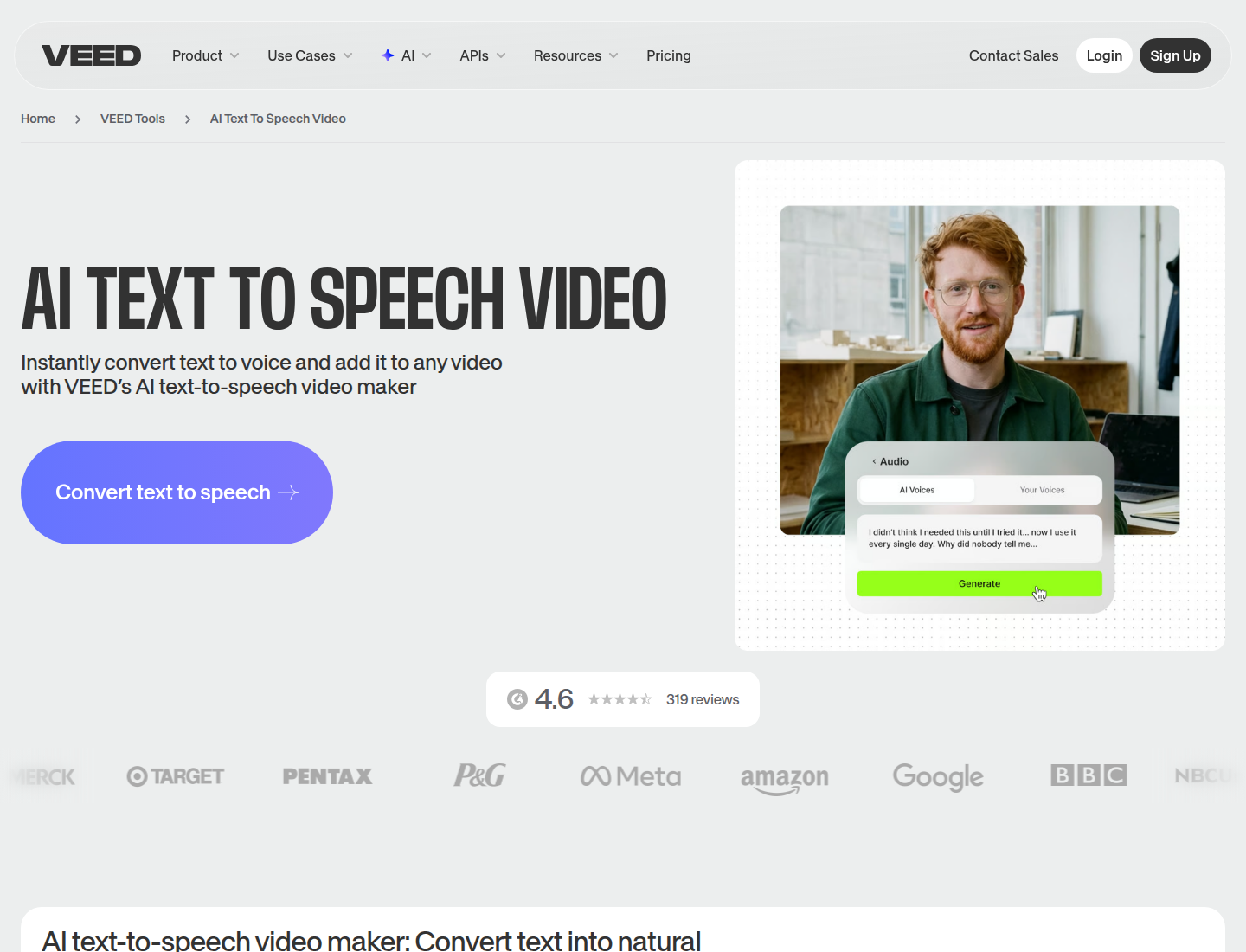
VEED.IO is useful when the final output is a video. If you need voiceover, subtitles, captions, layout, clips, and export in one browser workflow, VEED can be more convenient than a stronger standalone voice generator.
This is also why VEED should not be judged like a pure TTS product. Its voice feature is most useful when it removes steps from a video workflow.
Key features
- Browser video editor with text-to-speech.
- Caption and subtitle tools.
- Export workflow for social clips and explainers.
- Useful for quick marketing videos and short-form content.
- MP3 download support in the broader workflow.
Best use cases
- Short social videos.
- Captioned clips.
- Product explainers.
- Simple marketing videos.
- Creators who want voiceover inside a video editor.
Pricing and value
The free text-to-speech allowance is very small. Paid value comes from the video editor, captions, exports, and speed of working in one browser tool. Choose it for quick videos, not as a dedicated voiceover library.
Pros and cons
| Strengths | Weaknesses |
|---|---|
| Convenient for short video workflows. | TTS limits are small compared with dedicated voice tools. |
| Combines voiceover, captions, editing, and export. | Voice quality is not the main reason to choose it over voice-first tools. |
| Good for social clips and simple explainers. | Long narration workflows are buried inside a video editor experience. |
| Easy browser workflow for non-editors. | Paid value depends on needing video export, captions, or editing. |
Link: VEED.IO
6. WellSaid
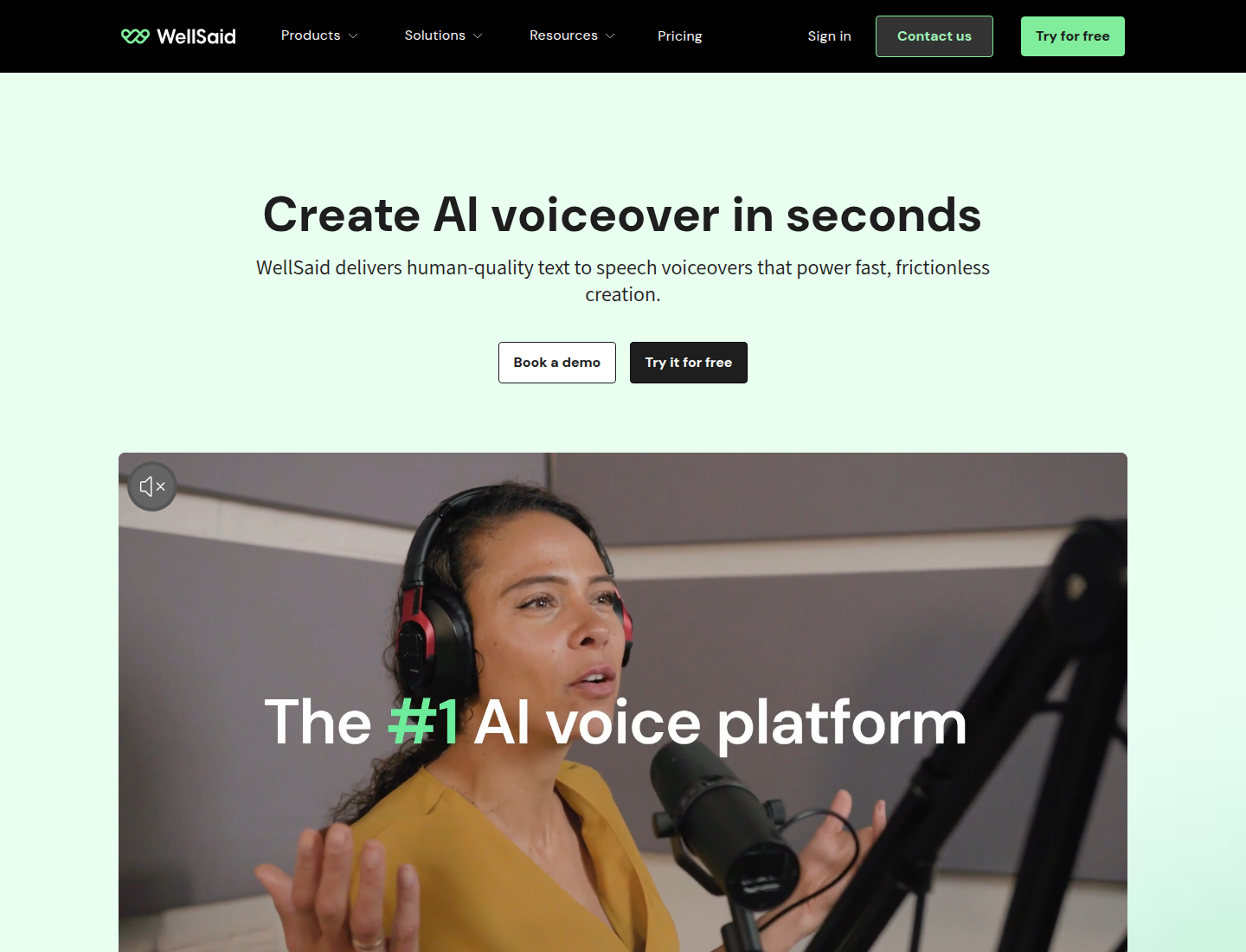
WellSaid is a polished corporate narration product. It is a good fit for companies making onboarding, compliance, product education, internal training, and brand-safe narration.
It feels more controlled than casual creator tools. That is useful for teams that want predictable voices, usage rights, and professional output. The tradeoff is price: this is a business narration tool, not a bargain creator app.
Key features
- Curated business voice library.
- Studio workflow for polished corporate narration.
- Commercial usage on paid plans.
- Team and enterprise-oriented features.
- Useful for training, compliance, and product education.
Best use cases
- Corporate training.
- Onboarding and compliance videos.
- Product education.
- Internal enablement content.
- Brand-safe narration for teams.
Pricing and value
WellSaid is priced for business users. It can be worth it when polished corporate narration and team controls matter. It is not a budget pick for creators making large volumes of casual content.
Sample:
Pros and cons
| Strengths | Weaknesses |
|---|---|
| Polished voices for business narration. | Expensive compared with creator-focused tools. |
| Good fit for training, onboarding, and compliance. | Strong business positioning can be overkill for solo creators. |
| More controlled and brand-safe than many creator tools. | Lower flexibility for experimental or character-heavy creator content. |
| Useful for teams and professional content workflows. | Voice library is curated, so there may be fewer wild/character-style options. |
Link: WellSaid
7. Cartesia
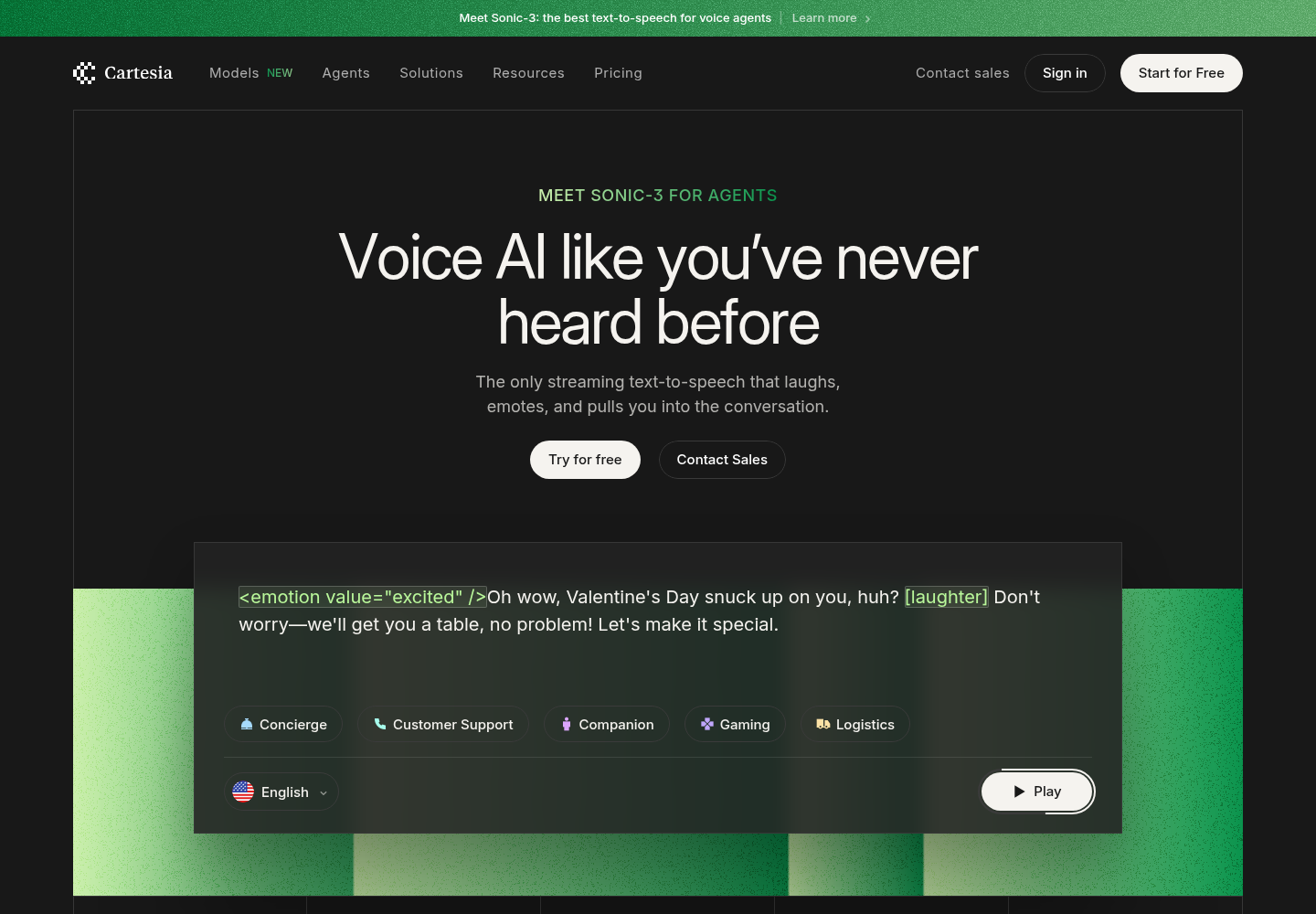
Cartesia is for developers and product teams building real-time voice experiences. It belongs in this comparison because some people searching for an AI voice generator need an API, not a content editor.
If you are building a voice agent, customer-support flow, interactive product, or low-latency speech interface, Cartesia is more relevant than most creator tools. If you just need an MP3 voiceover, it is probably the wrong category.
Key features
- Real-time and streaming speech generation.
- Developer-focused API workflow.
- Useful for agents and conversational products.
- Built for latency-sensitive applications.
- Better for product integration than browser voiceover editing.
Best use cases
- Voice agents.
- Customer-support speech.
- Interactive apps.
- Real-time product experiences.
- Developer-led speech features.
Pricing and value
Evaluate Cartesia like infrastructure. The right question is not the monthly creator price. It is expected character volume, latency, reliability, and production limits at your use case.
Pros and cons
| Strengths | Weaknesses |
|---|---|
| Strong fit for low-latency voice products. | Requires developer evaluation instead of simple creator signup/testing. |
| API-first workflow for developers. | Non-technical users may struggle to judge value from the product surface. |
| Useful for voice agents and interactive apps. | Pricing needs API-volume calculation before production use. |
| Modern fit for agent and real-time voice use cases. | Less public creator content and comparison material than bigger consumer brands. |
Link: Cartesia
8. LOVO
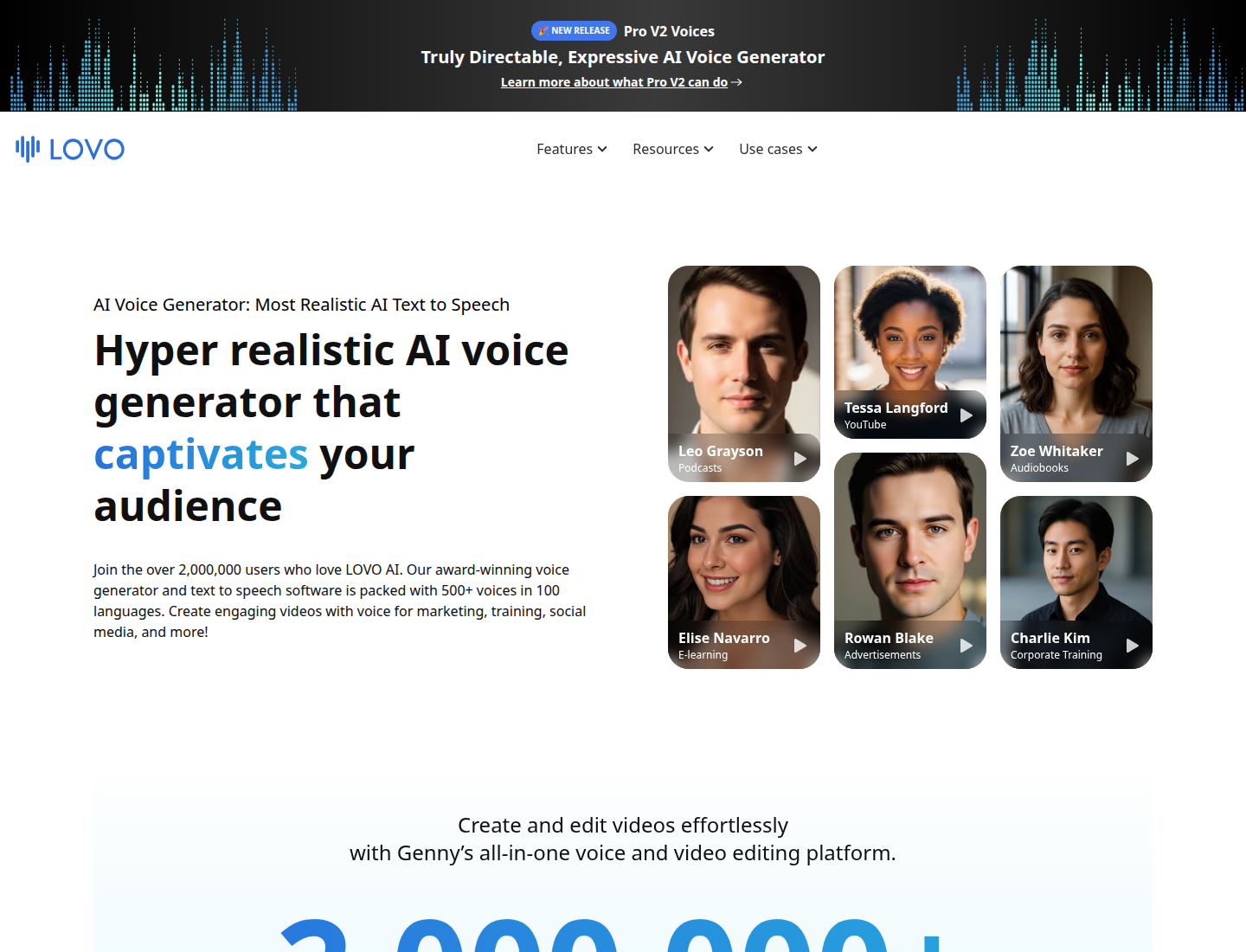
LOVO is a creator-friendly voice tool with a broad voice library and a creative workflow around generated speech. It is useful when you want to audition many voice styles for marketing clips, character content, social videos, or creator narration.
The key is to test the voices you would actually publish. A large library is only valuable if it contains voices that fit your format.
Key features
- Large AI voice library.
- Creator-oriented voice generation workflow.
- Character-style and marketing-friendly voices.
- Commercial rights on paid subscriptions.
- Useful for auditioning different styles quickly.
Best use cases
- Marketing videos.
- Creator narration.
- Short-form social content.
- Character-style tests.
- Voice auditioning across many tones.
Pricing and value
LOVO can be useful for short creator projects. For long-form narration, check the included generation hours first; voice libraries look less impressive when the monthly limit is the bottleneck.
Pros and cons
| Strengths | Weaknesses |
|---|---|
| Good range of creative voice styles. | Voice count does not guarantee publishable output. |
| Useful for marketing and creator content. | Long-form value depends heavily on included hours. |
| Good for auditioning many tones quickly. | Large creative feature set can distract from simple narration workflow. |
| Friendly for non-technical users. | Pricing and plan names can be harder to compare directly against character-based tools. |
Link: LOVO
9. Narakeet
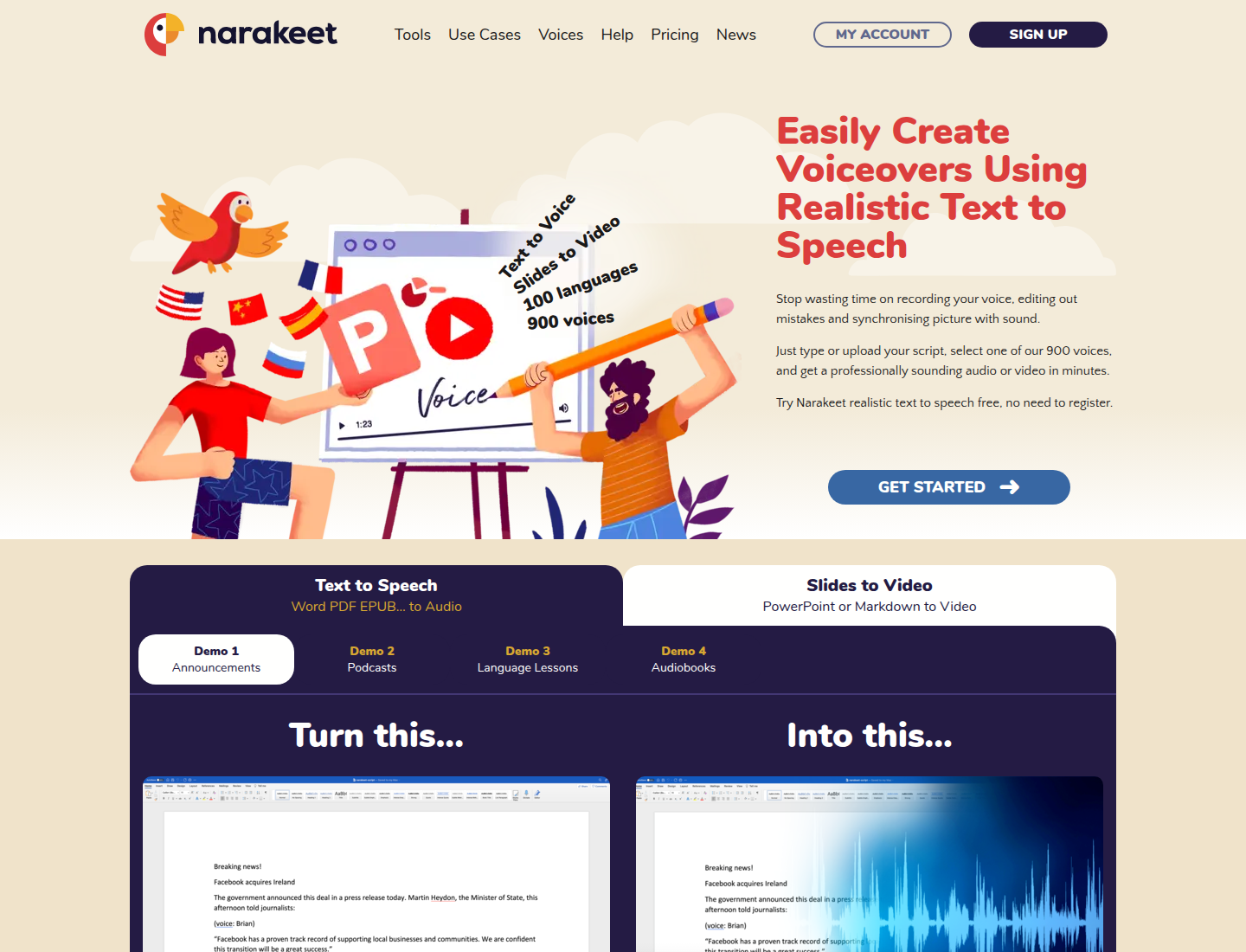
Narakeet is practical for simple narrated videos, slides, announcements, and occasional text-to-speech work. It is less flashy than newer AI voice products, but the use case is clear.
The pay-as-you-go model is useful if you do not want another subscription. For occasional projects, that can be better than paying monthly for a tool you rarely open.
Key features
- Text-to-speech and narrated video workflow.
- Useful for presentations and announcements.
- Pay-as-you-go option.
- Simple export path for occasional projects.
- Better for straightforward narration than advanced voice acting.
Best use cases
- Presentation voiceovers.
- Simple narrated videos.
- Announcements.
- Slide-based content.
- Occasional voiceover jobs.
Pricing and value
Narakeet is convenient for occasional use. For regular narration, per-minute pricing can add up quickly, so it is better as an occasional tool than a daily production workflow.
Sample:
Pros and cons
| Strengths | Weaknesses |
|---|---|
| Simple and practical for occasional narration. | Voice realism is less impressive than top voice-first tools. |
| Pay-as-you-go avoids another subscription. | Per-minute pricing adds up if you use it every week. |
| Good fit for narrated slides and announcements. | Interface and branding feel more utilitarian than modern creator tools. |
| Easy to understand and use. | Fewer advanced controls for cloning, performance, and project revision. |
Link: Narakeet
10. NaturalReader
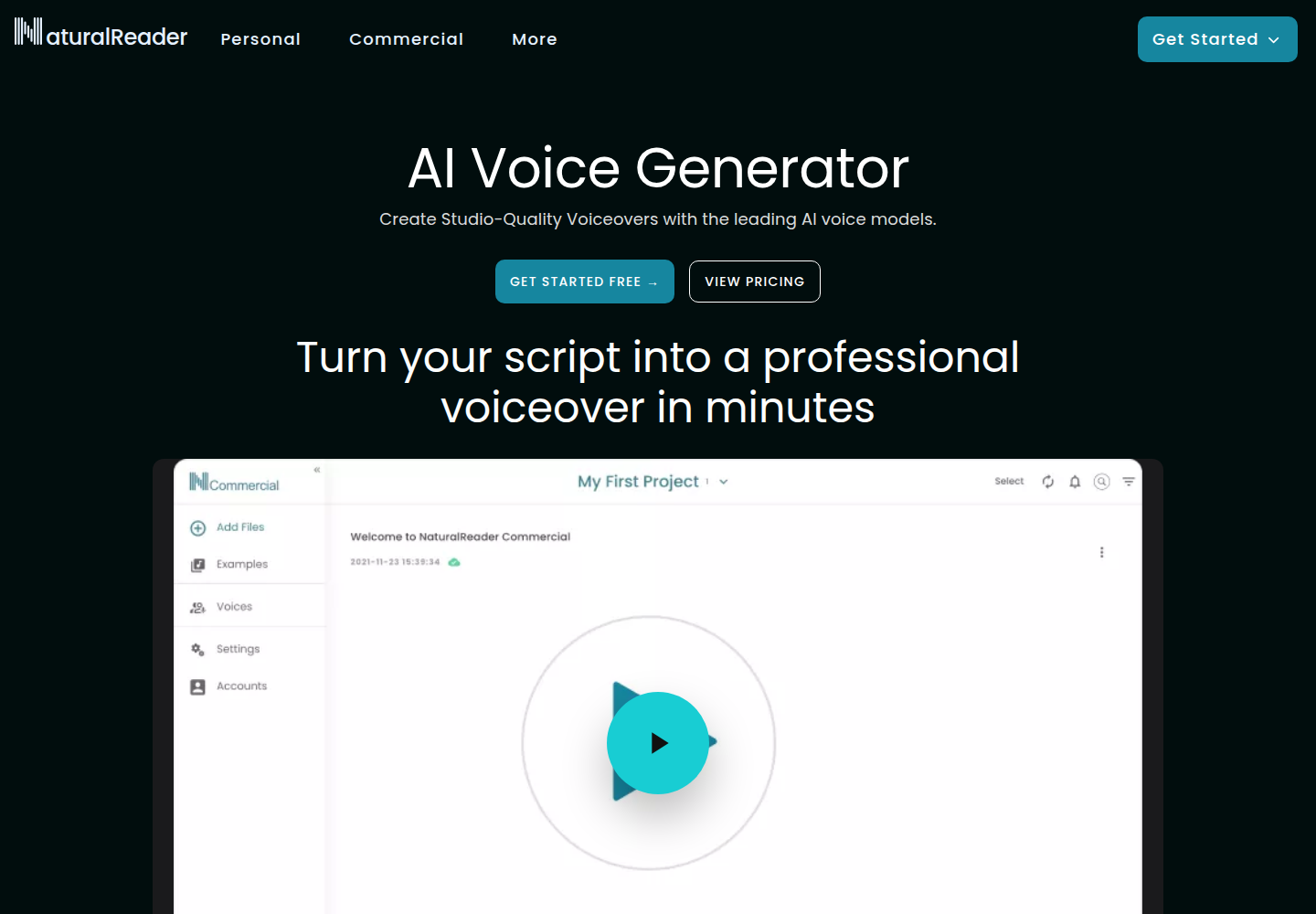
NaturalReader is best understood as a reader and simple text-to-speech tool. It is useful for listening to documents, education, accessibility-style reading, and basic narration.
It is not the most advanced production voiceover studio in this list, but it can be the right choice when the goal is straightforward reading rather than creative voice production.
Key features
- Document and text reading.
- Simple text-to-speech workflow.
- Education and accessibility-friendly use cases.
- Separate commercial voice options.
- Easy for basic narration needs.
Best use cases
- Reading documents aloud.
- Study and education.
- Accessibility-style listening.
- Basic narration.
- Simple commercial text-to-speech after checking usage rights.
Pricing and value
NaturalReader can be a good fit for reading and simple TTS. Before publishing audio commercially, make sure the plan covers commercial usage, because personal reading and commercial voiceover are different needs.
Pros and cons
| Strengths | Weaknesses |
|---|---|
| Simple and useful for document reading. | Commercial and personal-use paths can be confusing. |
| Good for education and accessibility-style use. | Voiceover production features are limited compared with studio-style tools. |
| Easier than developer APIs for basic TTS. | Commercial usage needs plan checking. |
| Practical for straightforward listening tasks. | Less useful when you need branded voices, cloning, or repeatable project exports. |
Link: NaturalReader
How to choose the right AI voice generator
Start with the job, not the brand.
- For the most realistic voice, choose a voice-first tool such as ElevenLabs.
- For regular narration, courses, audiobooks, and repeat production, compare workflow and cost, not just voice quality.
- For business training, check commercial rights, team workflow, pronunciation controls, and review/export steps.
- For video, use a video editor only if captions, cuts, and export are part of the same job.
- For apps and agents, judge API latency, reliability, and pricing at your expected usage volume.
Before paying, test one real paragraph with a name, number, acronym, and natural pause. A polished sample line is not enough to prove the tool will work for your project.
Which AI voice generator should you choose?
Choose ElevenLabs if voice realism is the top priority.
Choose Lazybird if you need long scripts, audiobooks, courses, recurring voiceovers, or affordable high-volume narration.
Choose Murf or WellSaid if a business team needs polished training or product narration.
Choose Descript if the voice tool needs to live inside a podcast or video editing workflow.
Choose VEED.IO if the final output is a short video and you want captions, editing, and voiceover in one browser tool.
Choose Cartesia if you are building a real-time voice product or API-backed app.
Choose Narakeet or NaturalReader if the job is simple and occasional.
The best AI voice generator is not the one with the longest voice list. It is the one that fits the work: short video, long narration, business training, podcast repair, audiobook production, or real-time product speech.
