Guides
Free Voice Over Software: Recorders and AI Voices, Tested
Free voice over software, tested: record your own voice or let AI read the script. Real samples, free-plan limits, watermarks and commercial-use rules.
Guides and hands-on tests for AI voice over, text to speech and voice cloning, from the Lazybird team.
Free voice over software, tested: record your own voice or let AI read the script. Real samples, free-plan limits, watermarks and commercial-use rules.
Which Kindles and Kindle apps read aloud, how to turn on Assistive Reader and VoiceView, and why text to speech is greyed out on some books (Oct 2026).
Record clean voice-overs at home: script timing, room, mic distance, levels, and an editing order tested on a real recording against ACX and podcast targets.
Copy-ready phone greetings for live answer, voicemail, after-hours, holiday, IVR menus and on-hold, timed in seconds and tested on a simulated phone line.
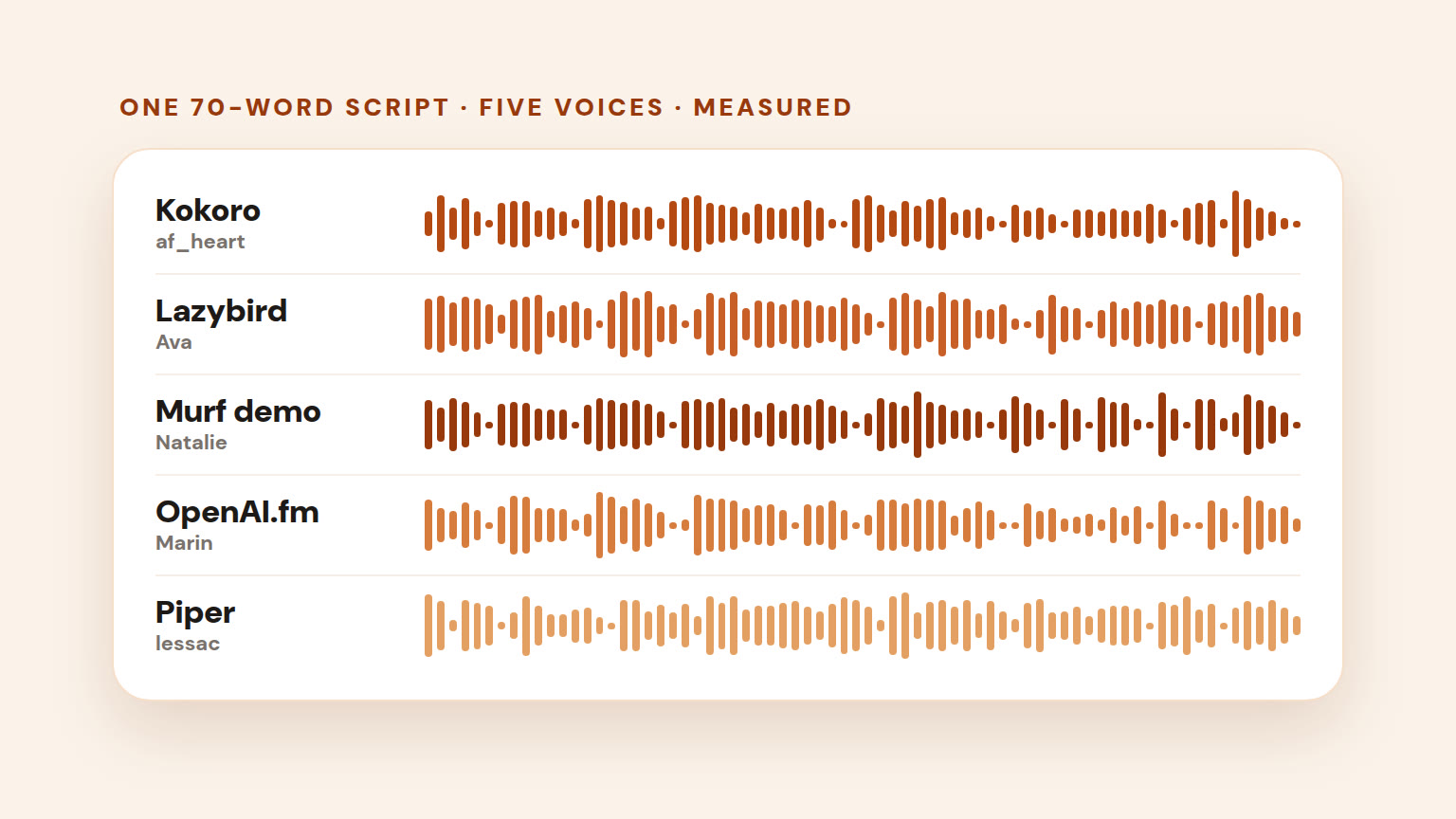
We ran two scripts through 5 AI voice generators, measured pace, loudness and misreads, and compared 10 more on price. Lazybird is ours.
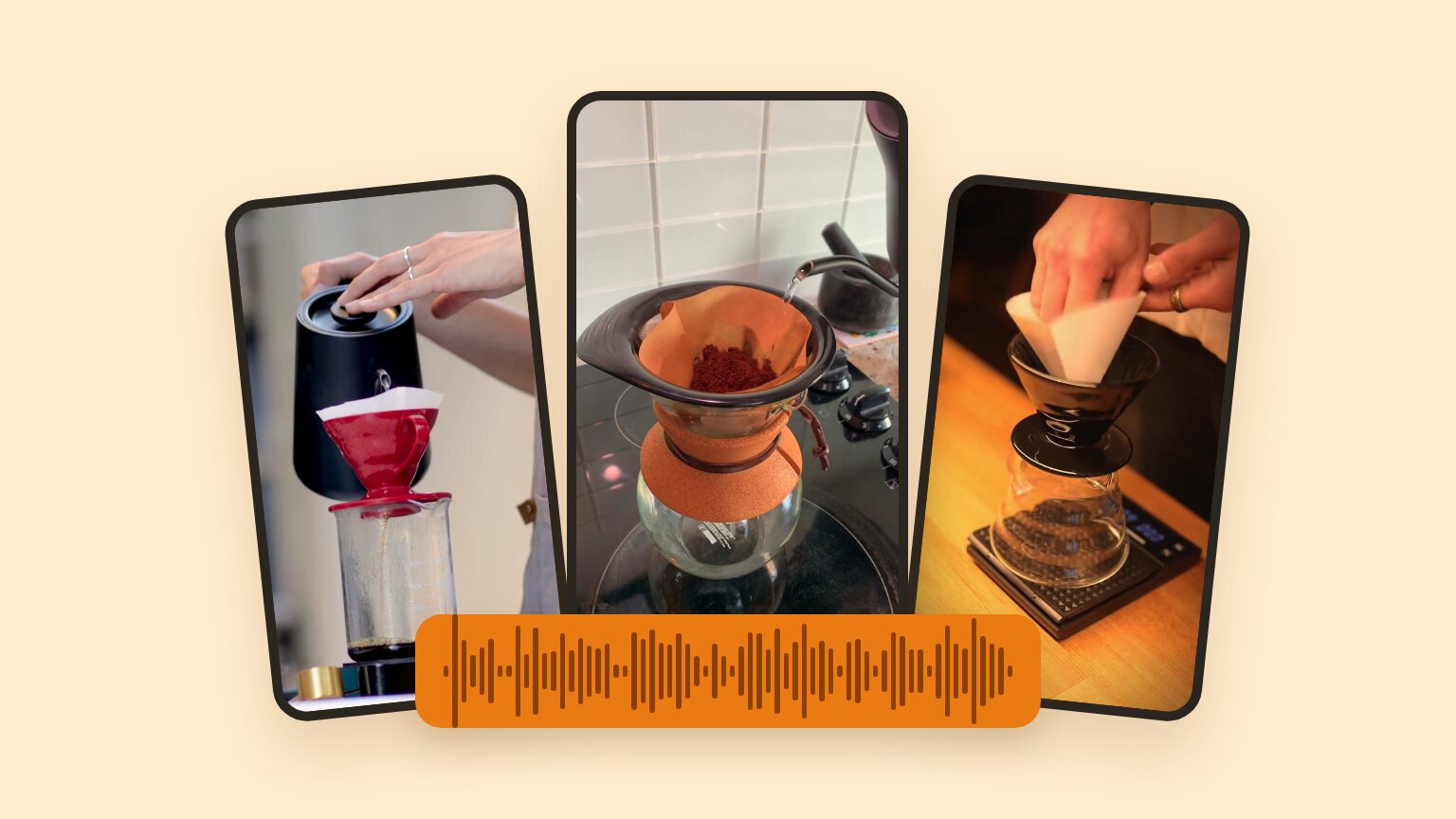
How to add a voiceover or narration to TikTok: record in the app, use text-to-speech, or upload an AI voiceover. Current menus, AI label rules, real tests.
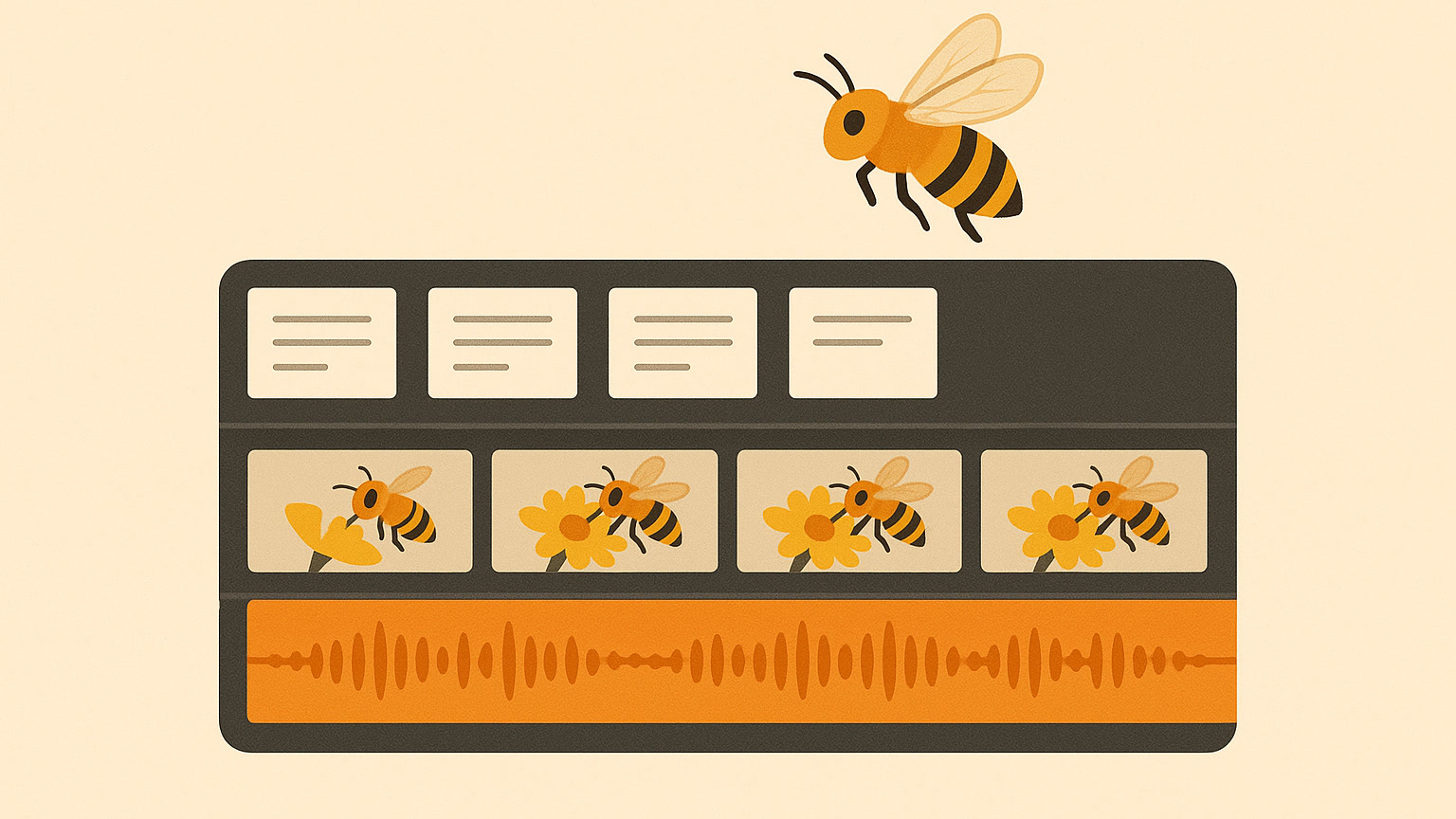
How to make a video narrated by an AI voice: two ways to set it up, then each step from script to YouTube upload, tested on a real 29-second explainer.
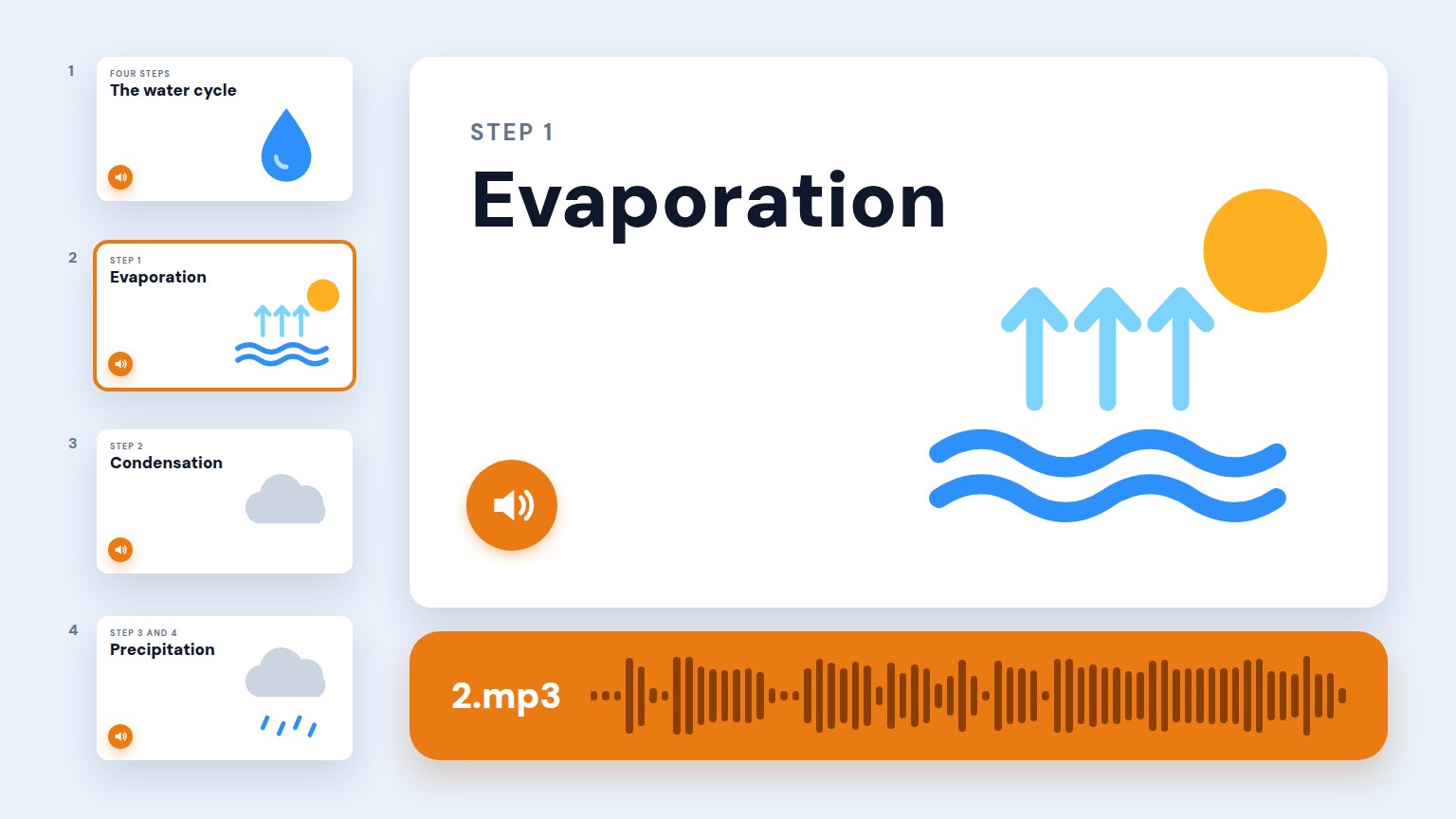
Three ways to add a voice over to Google Slides: the new Record button, an audio clip on each slide, or AI narration. Steps checked October 2026.
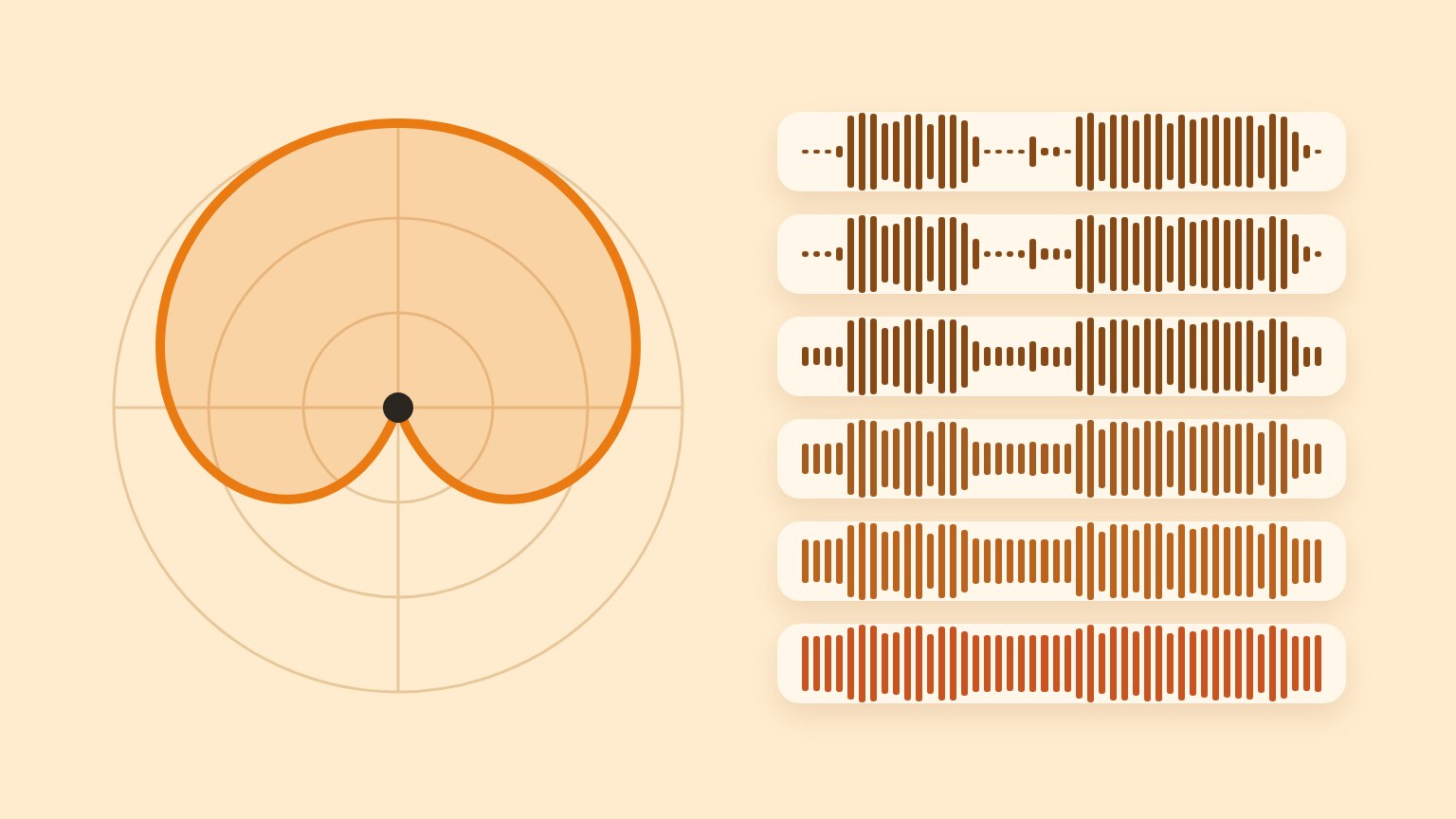
12 voice mics compared on published specs (self-noise, gain, USB or XLR), plus noise and distance tests you can hear. Picks by room, use and budget.
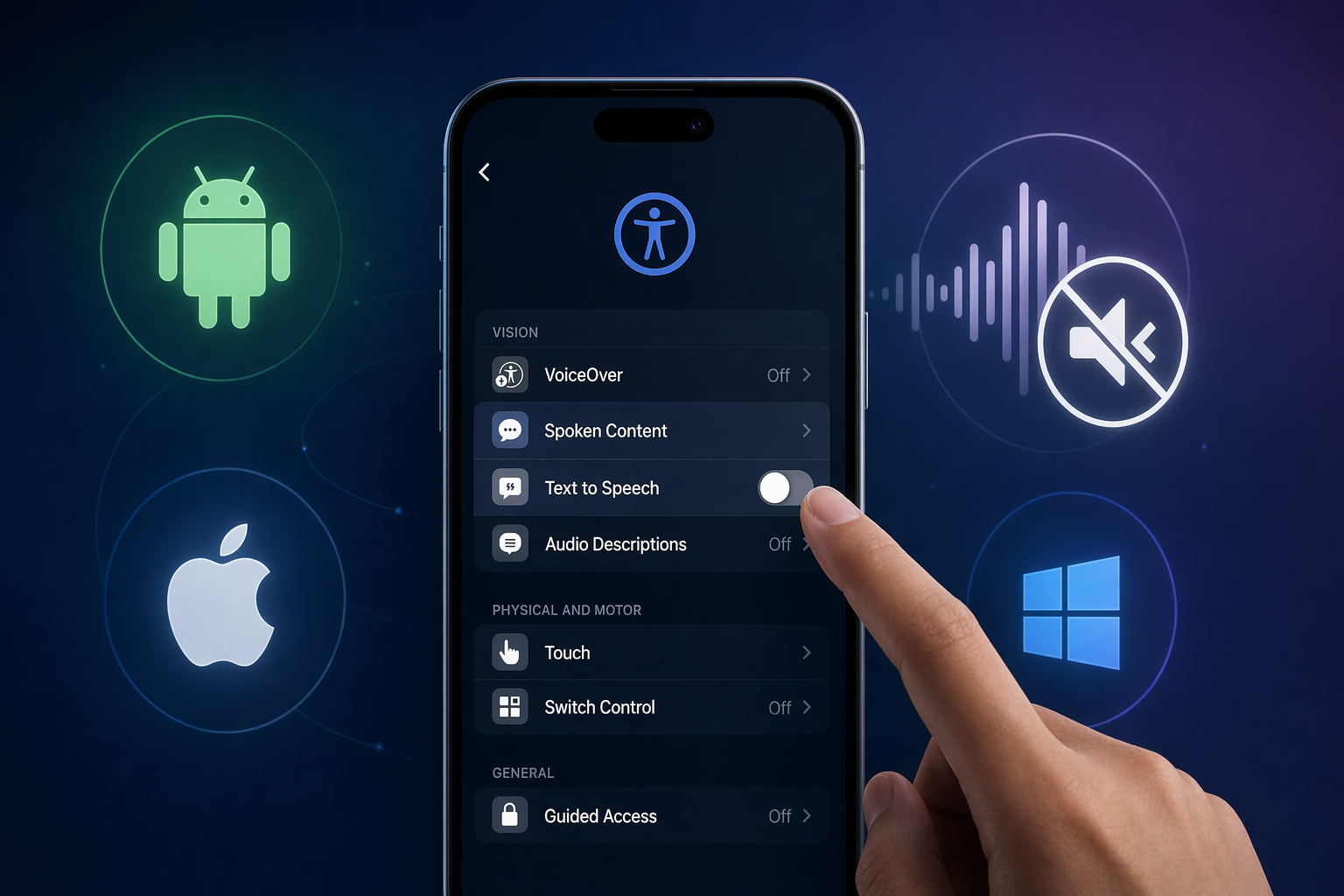
Step-by-step guide to turn off text to speech on any device. Covers Android (TalkBack), iPhone (VoiceOver & Spoken Content), Windows 11/10 (Narrator), Mac, Samsung, Xiaomi, Motorola, and Chromebook — with keyboard shortcuts and screenshots.