Character Text to Speech: A Creator's Guide
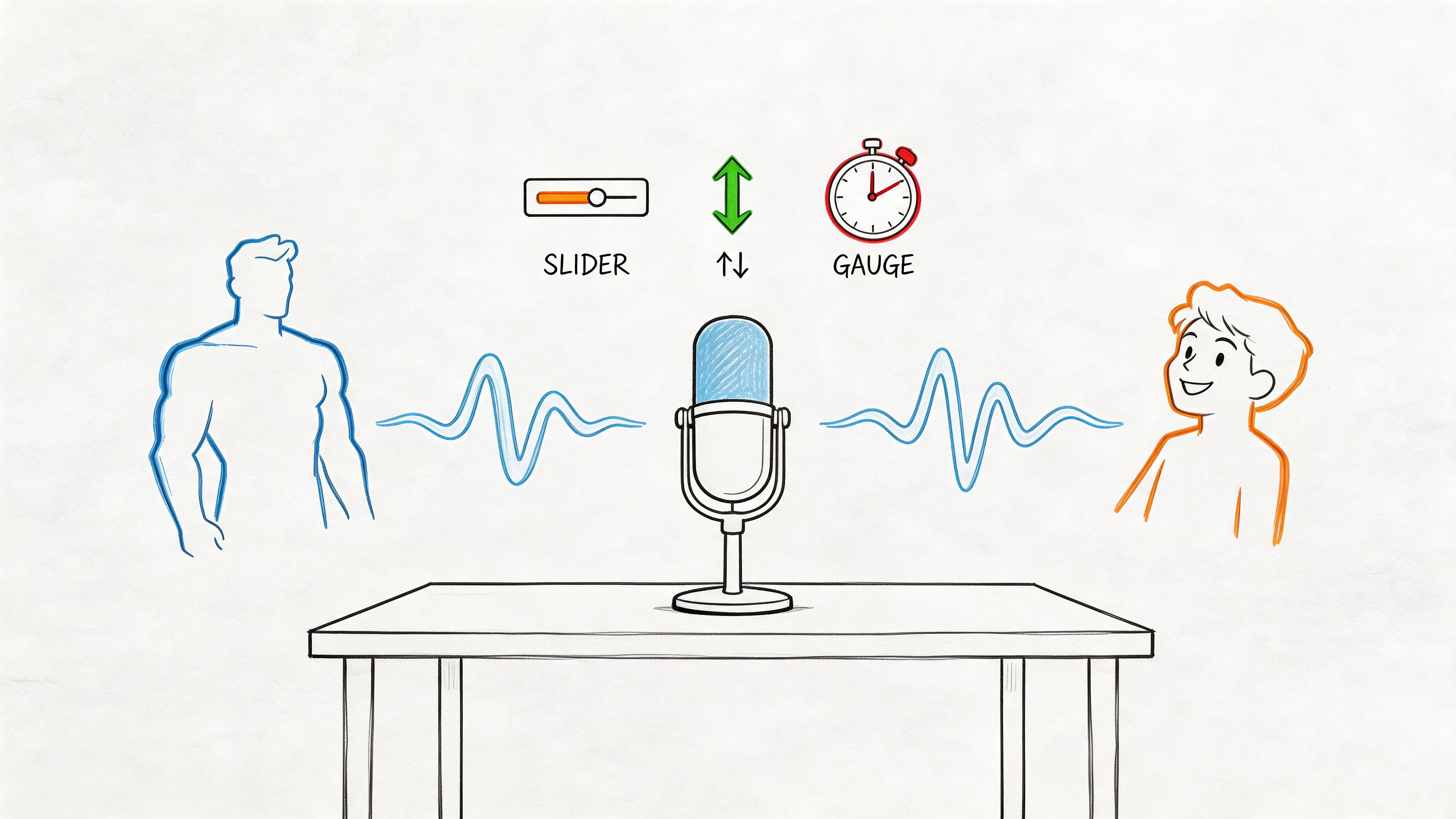
You’ve got a script open, a deadline creeping closer, and one stubborn problem: the words are fine, but the voice isn’t. Your main character should sound calm under pressure. Your side character needs a spark of chaos. Your narrator has to hold attention for minutes at a time without sounding flat.
That’s where character text to speech stops being a novelty and starts becoming part of the creative process. The difference between usable output and memorable output usually isn’t the model alone. It’s direction. The best results come from treating AI voice generation the way you’d treat a recording session: cast carefully, shape delivery line by line, and make deliberate performance choices instead of accepting the first clean read.
Beyond Robotic Voices
You can feel the problem in the first draft of the voiceover. The visuals are working. The script has a point of view. Then the audio comes in and every character sounds like the same polite narrator reading from a teleprompter.
Character text to speech matters because it fixes that creative bottleneck. It lets creators build distinct voices for a cast, test different reads quickly, and revise performance choices without booking another session. The big shift is not just that synthetic voices sound cleaner than they used to. It’s that you can now direct them with intent.

That changes the job.
The hard part is no longer getting a voice. The hard part is getting a performance that fits the role. A believable captain, villain, guide, or comic side character needs more than clean pronunciation. It needs choices about pace, restraint, attitude, and timing. In practice, character TTS works best when you treat the tool like a voice actor you’re directing, not a button that turns text into audio.
If you’ve only used TTS for explainer reads or placeholder narration, reset the standard. The goal is not “natural enough.” The goal is memorable and consistent. That usually comes from small adjustments made with a clear character brief, not from pushing every control to extremes.
What creators usually get wrong
- They define the line before the speaker. A sentence gets flatter when there’s no clear sense of who is talking, what they want, and how they handle pressure.
- They push style controls too far. Extreme pitch, speed, or intensity can sound entertaining for one sentence and unusable across a full scene.
- They judge a voice on the first pass. Many voices open up after you tune pauses, emphasis, and sentence length for the character.
Practical rule: Don’t ask whether a voice sounds good. Ask whether it sounds castable.
That mindset changes how you use Lazybird. Instead of hunting for one perfect preset, direct each voice toward a role and keep refining until the delivery feels intentional. If you want a reference point for stronger baseline quality before you start shaping character reads, study examples built around realistic text-to-speech voices.
Casting Your AI Voice Actor
A character falls apart fast when the casting is wrong. The script may be solid, the pacing may be clean, and the final read can still feel generic because the base voice never matched the role.

Lazybird gives you plenty of strong starting points, but a large voice library only helps if you audition with intent. The job here is closer to casting than browsing presets. Pick for fit first. Shape the performance after.
Cast the role, not the label
Labels like “warm,” “narrator,” or “young adult” are only rough hints. They tell you how a voice was categorized, not how it behaves in a scene.
A better method is to write a one-line casting brief before you test anything:
- What does this character want?
- How much control do they have over their emotions?
- Are they trying to reassure, persuade, provoke, or entertain?
- Will they speak for one line, one scene, or an entire project?
That brief cuts the shortlist down quickly. A voice that sounds appealing in isolation can still be wrong for the part. I see this often with creators picking the most distinctive option in the library, then spending too long trying to sand off quirks that were obvious from the start.
Audition for range, not first impressions
Run each candidate through a short three-line script instead of a single sentence. Use lines that force a shift in intent.
Neutral setup
A plain sentence shows the voice’s default cadence, clarity, and how much personality is already present without extra help.Pressure line
Add urgency, conflict, or excitement. Some voices keep their shape under pressure. Others turn sharp, rushed, or oddly flat.Quiet line End with something reflective or restrained. Weak casting is frequently revealed. A voice that sounded lively a moment ago may lose all depth when the energy drops.
If the voice holds together across all three, it is probably castable. If it only shines on the dramatic line, keep looking.
Match the natural texture to the archetype
Directing begins at this point, before you touch any controls. Every base voice has a natural center. Good casting means choosing one whose center already points toward the character.
- Mentor or guide: even rhythm, calm phrasing, low dramatic swing
- Comic sidekick: lighter tone, faster recovery between phrases, more bounce
- Villain or rival: precise consonants, deliberate spacing, controlled intensity
- Documentary narrator: steady delivery, clear articulation, low ornamentation
These are starting patterns, not rules. A bright voice can still play a villain if the writing calls for charm over menace. A slower voice can work for comedy if the timing feels dry rather than sleepy. The point is to notice the raw material first.
Strong casting reduces how much “fixing” you need later.
That matters in practice. Extreme pitch or speed edits can force a voice toward a role for one sentence, but they rarely stay convincing over a full page of dialogue.
If you want a stronger sense of how creators use synthetic performances as actual cast members rather than generic narration, this guide to working with an AI voice actor is a useful companion.
Once you’ve narrowed your shortlist, watch how the workflow looks in action:
Use a mini casting sheet
A simple scoring note helps when several voices are close. Rate each one on:
- clarity
- emotional headroom
- consistency across line types
- fit for the character brief
- how much control tweaking it will probably need
The last point is the one creators skip. A voice that is 80 percent right out of the box usually beats a voice that is 50 percent right but “interesting.” The interesting one often turns into extra editing time and weaker scene-to-scene consistency.
Good character text to speech starts with a directorial decision. Choose the performer whose natural read already suggests the character, then use Lazybird’s controls to sharpen the performance instead of rebuilding it from scratch.
Directing the Performance with Custom Controls
Once the voice is cast, the core work begins. At this point, most creators either achieve something convincing or accidentally flatten the entire performance. Controls like pitch, speed, pauses, and pronunciation aren’t technical extras. They’re directorial notes.
Modern neural systems work by turning text into a spectrogram and then converting that into a waveform through a vocoder. That architecture is what makes fine control over pitch and prosody possible for character-specific synthesis, as explained in this summary of modern neural TTS architecture.

Start with pitch, but move lightly
Pitch changes personality fast. Lowering pitch can add gravity. Raising it can create urgency, youthfulness, or nervous energy. But small changes usually sound more believable than dramatic ones.
A useful way to think about pitch:
| Adjustment | What it tends to do | Best for |
|---|---|---|
| Slightly lower | Adds authority and composure | Narrators, mentors, villains |
| Slightly higher | Adds energy or vulnerability | Vloggers, sidekicks, younger characters |
| Too extreme | Sounds synthetic or theatrical | Rarely useful for sustained narration |
If a character still sounds wrong after a moderate pitch change, the issue is probably the base voice, not the slider.
Speed controls emotion more than people expect
Most creators use speed to make audio shorter. That’s the least interesting use for it. In performance terms, speed changes intention.
A slower read suggests confidence, seriousness, or suspense. A slightly quicker read can suggest excitement, anxiety, friendliness, or improvisational energy. What doesn’t work is pushing the pace so far that articulation collapses.
Try this kind of contrast on the same sentence:
- Authority read: lower pace, firmer pauses, restrained pitch
- Excited read: slightly faster pace, shorter gaps, more lift on key words
- Nervous read: modest speed increase, uneven pause placement, emphasis on uncertain phrases
Pauses create thought
Pauses are where synthetic speech stops sounding like uninterrupted output and starts sounding like someone making choices.
Use pauses for different jobs:
- Short pause: natural breathing, clause separation, cleaner rhythm
- Medium pause: a turn in thought, a reaction, a setup before emphasis
- Longer pause: suspense, discomfort, reveal, comedic delay
Director’s note: If a line sounds robotic, don’t reach for more emotion first. Fix the rhythm.
Emphasis works best when it’s selective
Every sentence has one or two words that matter most. If everything is stressed, nothing is. A believable character voice usually has clear emphasis points, not constant intensity.
Here’s a practical workflow:
- Read the line to yourself.
- Identify the word that changes the meaning.
- Add emphasis there, then leave the rest mostly natural.
- Re-listen for overacting.
For example, “I said we leave now” has a completely different force than “I said we leave now.” Same words, different character intention.
Build from archetype, not mood labels
Creators often chase abstract prompts like “more dramatic” or “more emotional.” Better results come from directing toward a role.
Try internal notes like these while adjusting controls:
- “This character is hiding fear.”
- “This speaker is confident but tired.”
- “This narrator teaches, not sells.”
- “This villain enjoys control and never rushes.”
Those notes naturally shape your choices around pace, pauses, and emphasis.
Review in scene context
A line can sound perfect solo and wrong in sequence. Always preview a character in the actual scene. Listen for whether the performance holds through transitions, questions, interruptions, and emotional changes.
If you’re editing a dialogue sequence, make sure each voice differs in more than pitch. Rhythm matters just as much. Two characters with similar pacing will blur together even if their tones differ.
Advanced Techniques for Lifelike Delivery
Once the main controls are dialed in, small text edits start doing a lot of heavy lifting. Subsequently, a decent voiceover becomes a believable one.

Use punctuation like a directing tool
Punctuation changes rhythm more than many creators realize. A comma can soften a line. A period can make it firm. An ellipsis can create hesitation or tension when used sparingly.
A few practical patterns:
Comma for measured thought
Useful when a character should sound composed or reflective.Period for blunt impact
Good for authority, confrontation, or finality.Question mark for lift
Helps the line rise naturally instead of sounding flatly interrogative.Ellipsis for hesitation
Best for uncertainty, suspense, or emotional restraint. Use it carefully or the read becomes melodramatic.
Sometimes the best performance fix isn’t a voice setting. It’s replacing one punctuation mark.
Fix names and tricky words early
Pronunciation errors break immersion fast. Character names, invented places, brand names, and multilingual terms deserve attention before final export. If a character says their own world incorrectly, the rest of the scene doesn’t matter.
This matters even more for multilingual character work. Non-English TTS queries have grown by 55% recently, and pronunciation tweaks are important for keeping a character’s personality consistent across languages and avoiding phonetic drift, according to this overview of multilingual character TTS demand.
Keep accent and personality tied together
A lot of creators treat accent as decoration. It’s closer to identity. If your character is calm and precise in English, then suddenly sounds broad, rushed, or inconsistent in another language, the character feels rewritten.
Use pronunciation tools to protect the role, not just the phonetics. Ask:
- Does this character still sound patient?
- Does the confidence carry across the translated line?
- Did the pacing change in a way that alters personality?
Don’t overuse expressive cues
More emotion tags, more punctuation, and more stylized spelling don’t automatically produce better delivery. They often make the model sound unstable or exaggerated. The strongest reads usually come from light but intentional guidance.
A good test is to strip a line back after over-editing it. If the simpler version sounds more human, keep the simpler version.
Character Voice Recipes for Your Projects
A recipe gives you a starting point, not a fixed rule. Treat these as fast launch setups, then adjust based on script, pacing, and audience.
| Character Archetype | Suggested Voice | Pitch/Speed Settings | Common Use Case |
|---|---|---|---|
| Trustworthy Narrator | A warm, even voice with clean articulation | Slightly lower pitch, slightly slower speed, medium pauses | E-learning, explainers, documentaries |
| Energetic Vlogger | A bright voice with natural lift and quick phrasing | Slightly higher pitch, slightly faster speed, short pauses | YouTube intros, social clips, product promos |
| Mysterious Villain | A controlled, darker voice with deliberate delivery | Lower pitch, slower speed, longer dramatic pauses | Audiobooks, story trailers, game dialogue |
| Wise Mentor | A calm voice with stable cadence and gentle emphasis | Neutral to slightly lower pitch, measured speed, thoughtful pauses | Guided meditations, narrative tutorials, lore videos |
| Chaotic Sidekick | A lively voice with bounce and variation | Slightly higher pitch, quicker speed, uneven short pauses | Animated shorts, comic dialogue, sketches |
| Serious News Host | A clear, restrained voice with precise diction | Neutral pitch, steady speed, minimal extra pauses | News recaps, commentary, business updates |
How to use the table well
Don’t copy a recipe line for line and call it done. Read the script once as the character. Then ask what the character wants in that moment. A trustworthy narrator and a wise mentor can start from similar settings, but their emphasis patterns won’t be identical.
If you’re making a multi-character project, build contrast across rhythm, not just tone. One speaker can be clipped and efficient. Another can linger on phrases. That difference often matters more than making one voice lower and the other higher.
Exporting Your Voiceover and Bringing It to Life
When the performance sounds right, export decisions matter more than people think. A strong read can still lose impact if you choose the wrong format for the job.
For most editing workflows, use a higher-quality export when you plan to mix, cut, or process the audio further. Use a lighter format when speed and convenience matter more than post-production flexibility. The practical choice usually comes down to this: pick the format that fits the next step in your pipeline, not just the fastest download.
A clean export workflow
- Finalize pronunciation first: Don’t export a draft with known name or jargon issues.
- Listen once with headphones: Small clicks, awkward pauses, or strange emphasis are easier to catch there.
- Export by scene when needed: Long projects are easier to revise when each section is separate.
- Leave space for the mix: If you’re adding music or sound effects later, keep the voice clean and intelligible.
For creators, the value is straightforward. High-quality AI voiceovers can deliver studio-level audio at a fraction of the cost of voice talent, and hiring a voice actor can range from $100 to $500 per hour according to this speech technology market perspective.
Finish the scene, not just the voice
A voiceover rarely stands alone. It sits inside a larger sound bed with music, effects, silence, and visual timing. If the spoken line is already carrying the right mood, you won’t need to overcompensate with heavy background music.
For teams building more advanced workflows, it also helps to understand how a text-to-speech API fits into larger production pipelines, especially when you need repeatable output across episodes, lessons, or channels.
The last step is simple: place the exported read into the project, trim around breaths and pauses only if necessary, and preserve the rhythm that made the performance work in the first place.
If you want to put these directing techniques into practice, Lazybird gives you the core tools creators need: over 200 lifelike AI voices, support for 100+ languages and accents, control over pitch, speed, pauses, pronunciation, and speaking tone, plus AI voice cloning for custom voices across projects. You can also pair voiceovers with stock images, videos, and audio in the same platform, which makes it easier to go from script to finished content without bouncing between tools.
